Install and use PM2
PM2 installation work for automatic scheduling execution when the robot is running
Install nvm, pm2
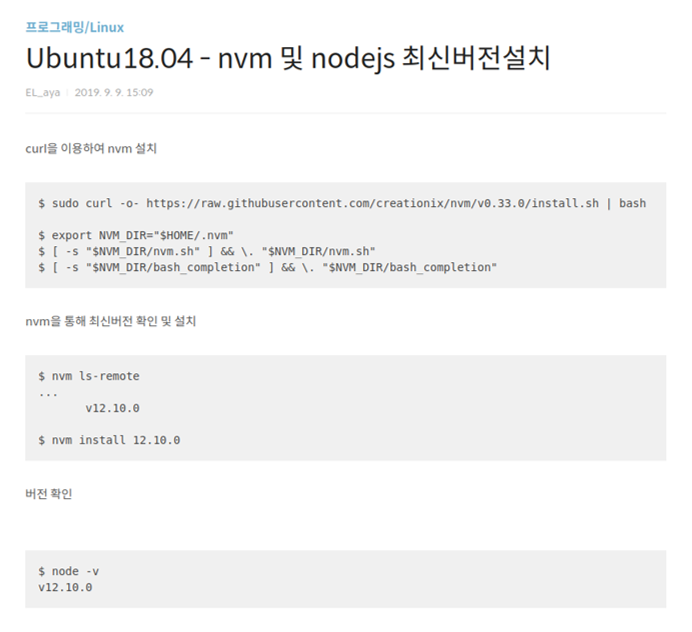
Reference <coterie.tistory.com/9>
When nvm is installed, node js and npm are installed automatically
After nvm installation is complete, type <npm install pm2 –g>
Make json file
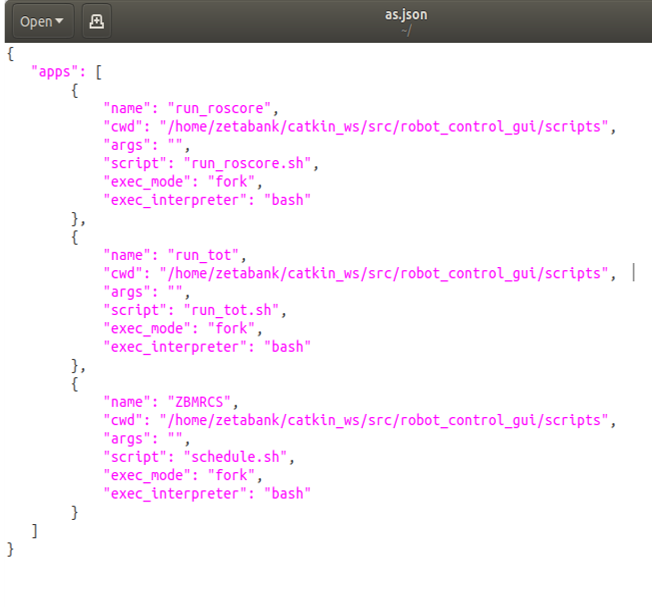
Creating a json file for pm2 execution
Each bash file is inside the src folder
pm2 start

Execute json file
Show run list and status
pm2 startup
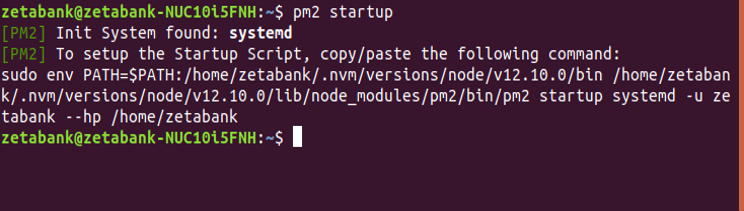
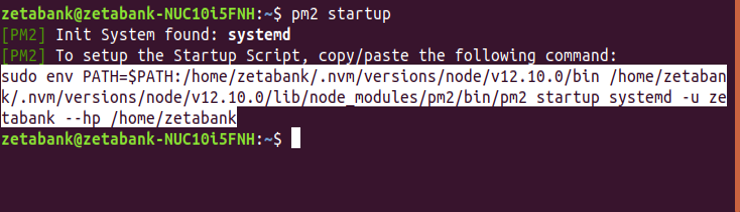
Pathing command output for startup execution
pm2 path
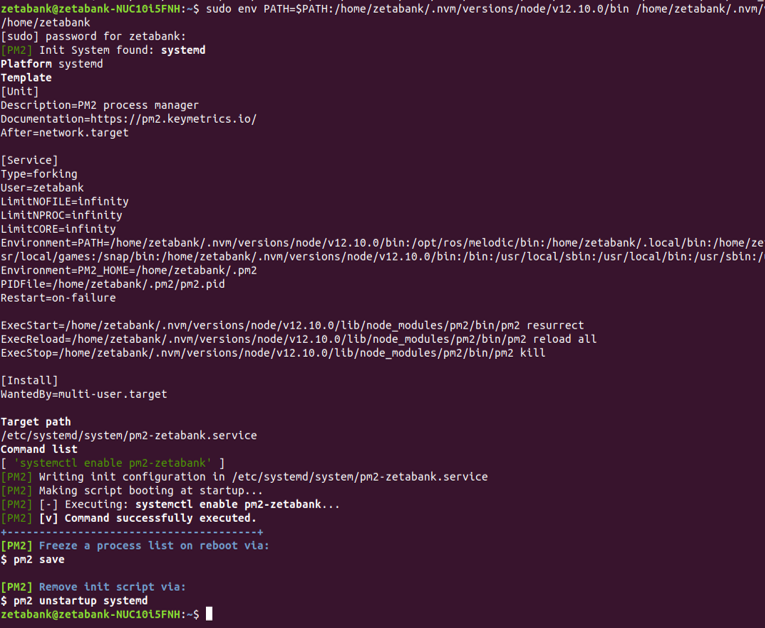
Enter the printed command
pm2 save
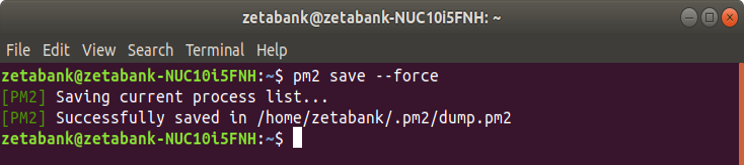
Save list
Run automatically when robot reboots
You can operate it after placing the robot in the start position.
pm2 stop
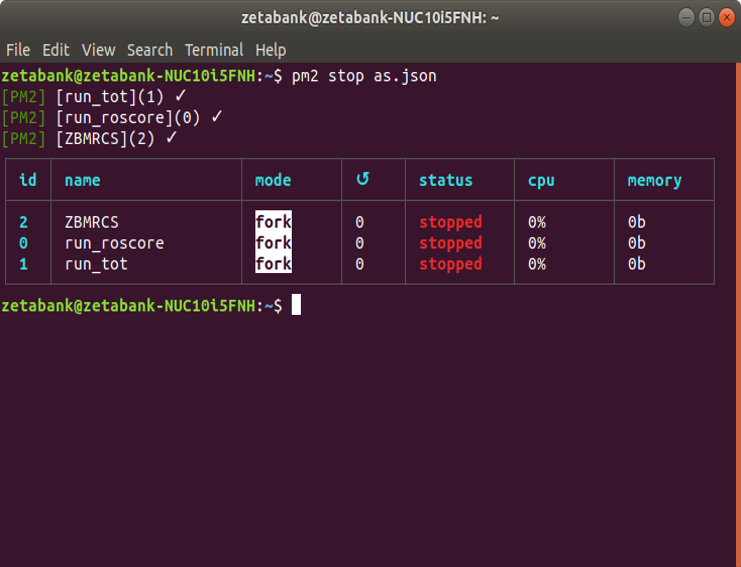
Used when code modification or other modifications are required
Run automatically when robot reboots
After stopping it through the command, when the modification is complete, execute pm2 start [name] (reboot is not required)
pm2 monit

Can monitor currently running processes in real time